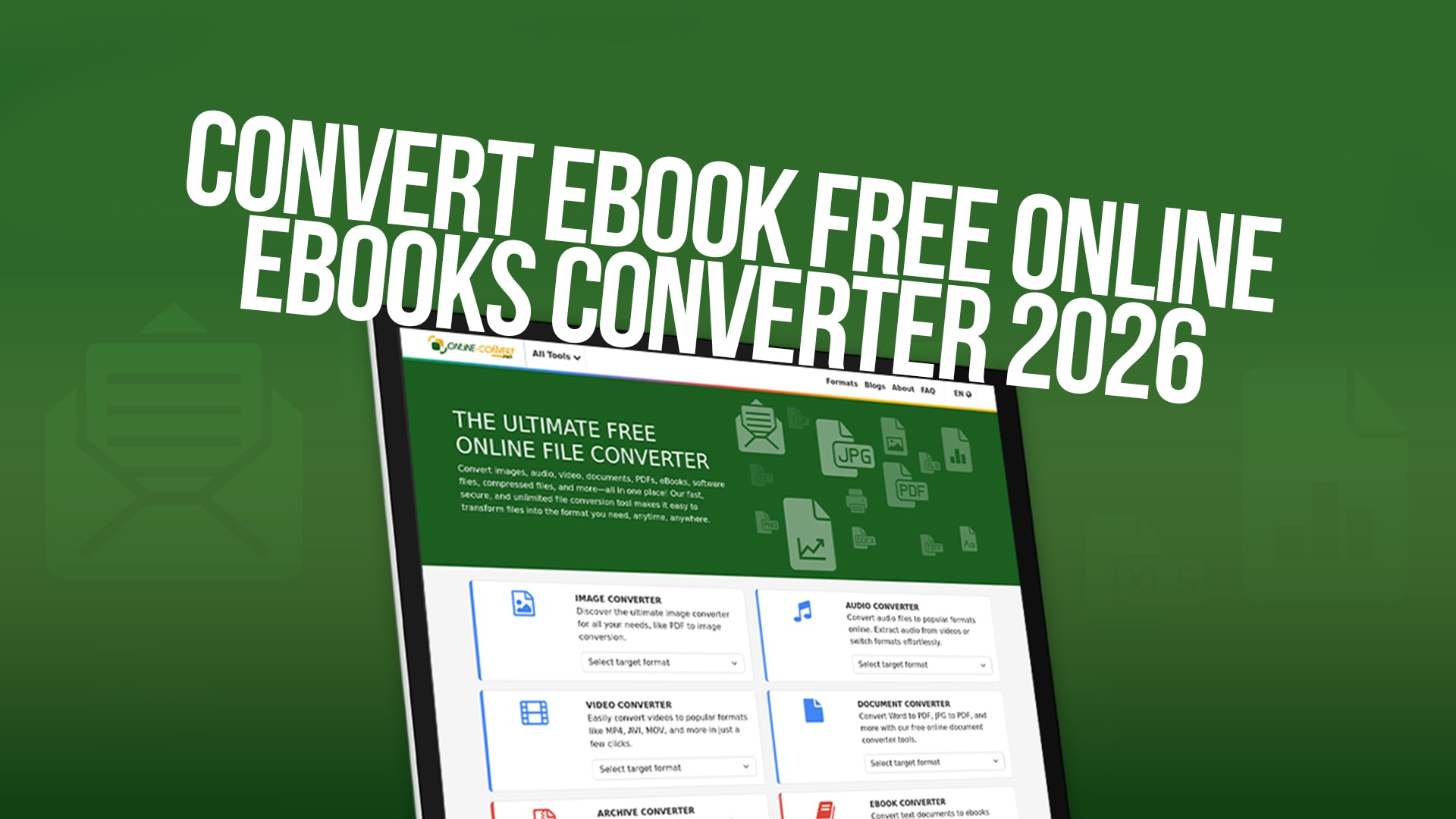
Convert eBook Free Online (eBooks Converter 2026)
eBooks have become an essential part of how we read and share information. Whether you are a student, a teacher, a writer, or simply someone who loves reading, you might find yourself needing to convert eBooks from one format to another. The good news is that you no longer need complicated software or technical knowledge to do this. Online-Convert makes it incredibly simple to convert your eBooks with just a few clicks.
Converting eBooks can seem like a difficult task if you have never done it before. You might be worried about losing important information or spending hours trying to figure out how to use complex tools. However, the process is much easier than you think. With the right online converter, you can change your eBooks into different formats in just minutes. This is especially useful when you want to read your eBooks on different devices or share them with others who use different reading platforms.
Online-Convert is a completely free service that helps you convert eBooks and many other types of files without paying any money. Whether you need to convert a PDF to an eBook format, change an eBook into an image, or transform it into another document type, Online-Convert has the tools you need. The best part is that you do not need to download any software or create an account. Everything happens online, making it fast, safe, and convenient.
What Is eBook Conversion and Why Do You Need It
An eBook is a digital version of a book that you can read on computers, tablets, smartphones, and special eBook readers. Different eBook readers support different formats. For example, Amazon Kindle devices work best with the MOBI and AZW formats, while many tablets and phones prefer EPUB. If you have an eBook in one format but want to read it on a device that uses a different format, you need to convert it.
The conversion process is simple but essential. It takes the content from your eBook and reorganizes it into a new format that your device can understand. When you convert an eBook, you are not changing the words or meaning of the book. You are simply repackaging the same information into a format that works better for you.
There are many reasons why you might need to convert eBooks. Perhaps you bought an eBook in one format, and now you want to read it on a different device. Maybe you received an eBook from a friend, but it is not in the right format for your reader. You might also want to convert an eBook so you can edit it or add your own notes and comments. Whatever your reason, eBook conversion is a helpful skill that everyone should know about.
One of the most common conversions is turning a PDF file into an eBook format like EPUB. PDFs are excellent for preserving the exact layout of a document, but they do not work well on small screens like smartphones. When you convert a PDF to EPUB, the text automatically adjusts to fit any screen size, making it much easier to read on mobile devices. This is especially important for long eBooks that you want to read while traveling.
The Power of Free Online Conversion
Cost is one of the biggest concerns when people think about converting files. Many websites and software programs charge money to convert eBooks. Some of them charge per file, while others require expensive monthly subscriptions. This can add up quickly, especially if you convert many files every month.
Online-Convert solves this problem by offering free eBook conversion. You will never pay a single dollar to convert your eBooks. This means you can convert as many files as you want without worrying about your budget. Whether you need to convert one eBook or one hundred eBooks, the price stays the same: completely free.
Free conversion tools sometimes have hidden costs or limitations. Some websites might require you to download software that contains ads or unwanted programs. Others might slow down your computer or steal your personal information. Online-Convert is different. The service is genuinely free with no hidden costs, no annoying software to download, and no risk to your computer or privacy.
The beauty of online conversion is that you do not need to buy expensive software. Professional eBook conversion software can cost hundreds of dollars. You would need to learn how to use complicated programs with many buttons and options. Most people do not need all these advanced features. They just want to quickly convert their eBooks into a different format. Online-Convert gives you exactly what you need without the extra cost and complexity.
How Online-Convert Makes eBook Conversion Simple
Online-Convert is designed with ease of use as the top priority. Even if you have never converted a file before, you will find the process incredibly straightforward. The website is clean, organized, and easy to navigate. You do not need any technical knowledge or special skills to use it.
The conversion process on Online-Convert works in just three simple steps. First, you select the file you want to convert. You can do this by clicking a button and choosing a file from your computer. You can also drag and drop your file directly onto the website if you prefer. Second, the website automatically detects what format your file is in. You then choose what format you want to convert it to from a simple dropdown menu. Third, you click the convert button and wait a few moments. Your converted file will be ready to download.
This simplicity is one of the biggest advantages of using Online-Convert. You do not need to install anything on your computer. You do not need to create an account or remember passwords. You do not need to wait for emails or confirmations. Everything happens instantly on the website. Within minutes of uploading your file, you can download the converted version.
Online-Convert also works on any device with an internet connection. Whether you are using a Windows computer, a Mac, a Linux machine, a tablet, or a smartphone, you can convert eBooks. The website automatically adjusts to work perfectly on any screen size. This means you can convert files from anywhere, whether you are at home, at work, or traveling.
Supported Formats for eBook Conversion
One of the best features of Online-Convert is the wide variety of eBook formats it supports. Different eBooks come in different formats depending on where you purchased them or how they were created. Understanding which formats Online-Convert supports will help you get the most out of the service.
The EPUB format is one of the most popular eBook formats in the world. EPUB stands for Electronic Publication, and it is used by most eBook readers except Kindle. If you have an EPUB file that you want to convert, Online-Convert can change it into many other formats. This format is great because it works on almost any device, and the text automatically adjusts to fit different screen sizes.
The MOBI format is specifically designed for Amazon Kindle devices. If you have an eBook in MOBI format and want to read it on a different device, Online-Convert can convert it for you. Similarly, if you have an eBook in a different format and want to read it on your Kindle, you can convert it to MOBI using Online-Convert.
The PDF format is extremely common for eBooks, especially for technical books and academic papers. However, PDF files do not work well on small mobile devices because the text does not resize. Online-Convert allows you to convert PDFs into eBook formats like EPUB or MOBI, making them easier to read on smartphones and tablets. This is one of the most useful conversions because so many eBooks are available in PDF format.
AZW is another Amazon format that is similar to MOBI but with additional features. Online-Convert can convert between AZW and other eBook formats. This gives you flexibility if you want to switch between devices or share your eBooks with others who use different readers.
Online-Convert also supports many other formats that might not be strictly eBook formats but are closely related. You can convert eBooks into images, allowing you to view them as a series of pictures. You can convert eBooks into document formats like Word, which lets you edit the text if needed. You can even convert eBooks into audio formats if you want to listen to your books instead of reading them.
Why Choose Online-Convert Over Other Options
Many websites offer file conversion services, but Online-Convert stands out for several important reasons. Understanding these advantages will help you see why Online-Convert is the best choice for your eBook conversion needs.
First, Online-Convert is fast. Most conversions are complete in just a few seconds. You will not spend an hour waiting for your files to process. Even large eBooks with hundreds of pages convert quickly. This is important when you are in a hurry or when you have multiple files to convert.
Second, Online-Convert is safe. The website uses secure encryption to protect your files while they are being converted. This means your personal eBooks and information are kept private. Your files are not stored on the server after the conversion is complete. They are deleted automatically, so you do not need to worry about your data being sold or shared with others.
Third, Online-Convert is reliable. The service has been helping people convert files for years. The website is always available, and the conversion tools work consistently well. You will not experience frustrating errors or files that fail to convert properly. When you upload a file to Online-Convert, you can trust that the conversion will work correctly.
Fourth, Online-Convert requires no account creation. Many websites force you to create an account before you can use their service. This means you have to remember yet another username and password. Online-Convert eliminates this step. You can start converting files immediately without any registration process.
Fifth, Online-Convert converts more than just eBooks. The website also handles images, audio files, videos, documents, PDFs, software files, compressed files, and much more. This means Online-Convert is a one-stop solution for all your conversion needs. You do not need to visit multiple websites to convert different types of files.
Step-by-Step Guide to Converting Your eBooks
Let's walk through the actual process of converting an eBook using Online-Convert. This detailed guide will show you exactly what to do, even if you have never converted a file before.
Start by visiting the Online-Convert website. You will see the main page with several options for different file types. Look for the eBook conversion section. The website clearly labels all the conversion options, so you will not have any trouble finding what you need. Click on the eBook converter tool.
Once you are on the eBook converter page, you will see a section where you can upload your file. Click the button that says "Select File" or "Upload File." This will open a window on your computer showing all your folders and files. Navigate to where you have stored the eBook you want to convert. Click on the eBook file to select it, then click "Open" to upload it.
Alternatively, you can drag and drop your eBook directly into the browser window. Simply open a file explorer window on your computer, find your eBook file, and drag it to the Online-Convert browser window. Drop it there, and the file will be uploaded automatically. Many people find this method faster and easier than using the upload button.
After you have uploaded your file, Online-Convert will automatically recognize which format your eBook is in. The website will display this information so you can verify that it detected the correct format. If it made a mistake, you can manually select the correct format from a dropdown menu.
Next, you need to choose which format you want to convert your eBook to. Look at the "Convert to" section and click on the dropdown menu. You will see a list of all available formats. Select the format you want. For example, if you want to convert your eBook to EPUB so you can read it on multiple devices, click on EPUB. If you want to convert it to MOBI so you can read it on your Kindle, click on MOBI.
Once you have selected both the source format and the target format, click the "Convert" button. The website will begin processing your file. During this time, you will see a progress bar showing how much of the conversion is complete. For most eBooks, this process takes only a few seconds.
When the conversion is complete, you will see a download button. Click this button to save your converted eBook to your computer. The file will download automatically to your "Downloads" folder or wherever your browser normally saves files. You can then move this file to any location you prefer.
Common eBook Formats Explained
Understanding different eBook formats will help you make better decisions about which format to convert your eBooks into. Each format has advantages and disadvantages depending on how you plan to use your eBook.
The EPUB format is the international standard for eBooks. Nearly every eBook reader except Kindle supports EPUB. When you read an EPUB file, the text automatically adjusts to fit your screen, whether you are reading on a large computer monitor or a small smartphone. EPUB files are also smaller than PDF files, so they take up less storage space. If you want an eBook that works on the widest variety of devices, EPUB is usually the best choice.
The PDF format is designed to preserve the exact layout of a document. If your eBook has special formatting, images, or complex layouts, PDF preserves all of this perfectly. However, PDF files do not automatically adjust to different screen sizes. This means text might be too small to read on a smartphone. PDFs also tend to be larger files than EPUBs. PDFs are great for books that depend on precise formatting, like academic papers or technical manuals.
The MOBI and AZW formats are designed specifically for Amazon Kindle devices. If you only plan to read your eBook on a Kindle, these formats are excellent. They display perfectly on Kindle screens and include features designed specifically for Kindle devices. However, if you want to read the same eBook on a non-Kindle device, you will need to convert it to a different format.
Other eBook formats exist as well, each serving specific purposes. Some formats are designed for older devices that are no longer common. Others are designed for specific regions or languages. Online-Convert supports all these formats, giving you complete flexibility in how you convert your eBooks.
Benefits of Converting eBooks to Different Formats
There are many practical benefits to converting your eBooks. Understanding these benefits will help you see why eBook conversion is such a useful skill.
One major benefit is device compatibility. You might have eBooks from different sources, each in a different format. By converting them all to a single format, you can read all your eBooks on the same device. This is much more convenient than having to switch between different apps or devices to read different books.
Another benefit is improving readability. Some formats work much better on certain devices. For example, converting a PDF to EPUB makes it much easier to read on a smartphone because the text adjusts to the screen size. This small change can make a huge difference in how enjoyable it is to read your eBooks.
Converting eBooks also gives you flexibility. If you buy a new eBook reader or upgrade to a new smartphone, you can convert your existing eBooks so they work with your new device. You are not locked into using one brand of reader for the rest of your life.
Converting eBooks can also help you organize your library. If you want to keep all your eBooks in a single format for consistency and organization, you can convert everything to that format. This makes it easier to manage your eBook collection and ensures everything will work on your preferred device.
For people who want to edit their eBooks, conversion is essential. If you have an eBook in PDF format but want to edit the text, you might convert it to a Word document first. This allows you to make changes and add notes. Once you have made your edits, you can convert the document back into an eBook format if you want.
Using Online-Convert for Other File Types
While this article focuses on eBook conversion, Online-Convert is much more powerful than just an eBook converter. The website handles many different types of files, making it an incredibly useful tool for anyone who works with digital content.
Online-Convert can convert images. If you have photos in one format, like JPG, and want to convert them to PNG or another format, Online-Convert can do this. You can also resize images, convert between colored and black-and-white, and apply other simple editing functions while converting.
Online-Convert can convert audio files. If you have music or podcasts in one format and want to convert them to another format that is compatible with your device, Online-Convert handles this easily. This is useful when you have audio files from different sources and want them all in the same format.
Online-Convert can convert videos. If you have video files that you want to convert to a different format so they will play on your device, Online-Convert can do this. Video conversion might take longer than other types of conversion because video files are larger, but the process is just as simple.
Online-Convert can convert documents. If you have a document in one format, like a PDF, and want to convert it to another format, like Word or Excel, Online-Convert can help. This is useful when you need to edit a document or use it in a specific application.
Online-Convert can compress files. If you have large files that are taking up too much storage space, you can convert them to a compressed format that takes up less space. This is helpful when you want to email files or save storage space on your devices.
Tips for Getting the Best Results When Converting eBooks
While converting eBooks with Online-Convert is simple, following a few tips will help you get even better results.
First, always check the original file format before you begin. Make sure you have selected the correct format in the "Convert from" dropdown. If you select the wrong original format, the conversion might not work properly. Most of the time, Online-Convert detects the format automatically, but it is good to double-check.
Second, think carefully about which format you want to convert to. Consider which device you will use to read the eBook. If you primarily read on your Kindle, convert to MOBI or AZW. If you use different devices or want maximum compatibility, convert to EPUB. If you need to preserve exact formatting, convert to PDF.
Third, test the converted file before you delete the original. Download the converted eBook and open it on the device where you plan to read it. Make sure the text displays correctly, images show up properly, and the overall formatting looks good. This way, if something goes wrong, you still have the original file.
Fourth, remember that Online-Convert deletes files from its servers after the conversion. If you need the converted file again in the future, save it to your computer. You cannot retrieve it from Online-Convert's servers later. This is actually good for your privacy, but it means you need to keep your own backup copies.
Fifth, if you are converting multiple eBooks, do them one at a time or in small batches. While Online-Convert can handle multiple files, doing them individually ensures each one converts properly. It also helps you avoid confusion about which file is which.
Frequently Needed eBook Conversions
Some eBook conversions are much more common than others. Understanding which conversions people need most often will help you know when and how to use Online-Convert.
Converting PDF to EPUB is probably the most common conversion. Many eBooks are created or shared as PDFs, but EPUB works better on mobile devices. When you convert a PDF to EPUB, the text reformats to fit different screen sizes, making it much easier to read on smartphones and tablets.
Converting to Kindle formats (MOBI or AZW) is also extremely common. If you have an eBook in another format but want to read it on your Kindle, you need to convert it. Amazon recommends MOBI and AZW formats for the best reading experience on Kindle devices.
Converting EPUB to PDF is another common task. Some people prefer PDF format because it preserves exact formatting. If you have an EPUB file but want to ensure it displays the same way on every device, converting to PDF is a good option.
Converting between different versions of eBook formats is also common. As technology evolves, new versions of eBook formats are released. Converting between versions ensures your eBooks work with current devices and readers.
Conclusion: Start Converting Your eBooks Today
Converting eBooks does not need to be difficult or expensive. Online-Convert makes the process simple, fast, and completely free. Whether you need to convert a single eBook or multiple eBooks, whether you need to convert between obscure formats or the most common formats, Online-Convert has the tools you need.
The advantage of using an online converter like Online-Convert is that you never need to download software, never need to create an account, and never need to pay any money. You can start converting immediately and have your results in seconds. This makes it the perfect solution for anyone who occasionally needs to convert eBooks or frequently works with different eBook formats.
Start using Online-Convert today to convert your eBooks into any format you need. Visit the website, upload your eBook, choose your desired format, and download your converted file. It is that simple. With Online-Convert, your eBook is just a few clicks away from being in exactly the format you want.
