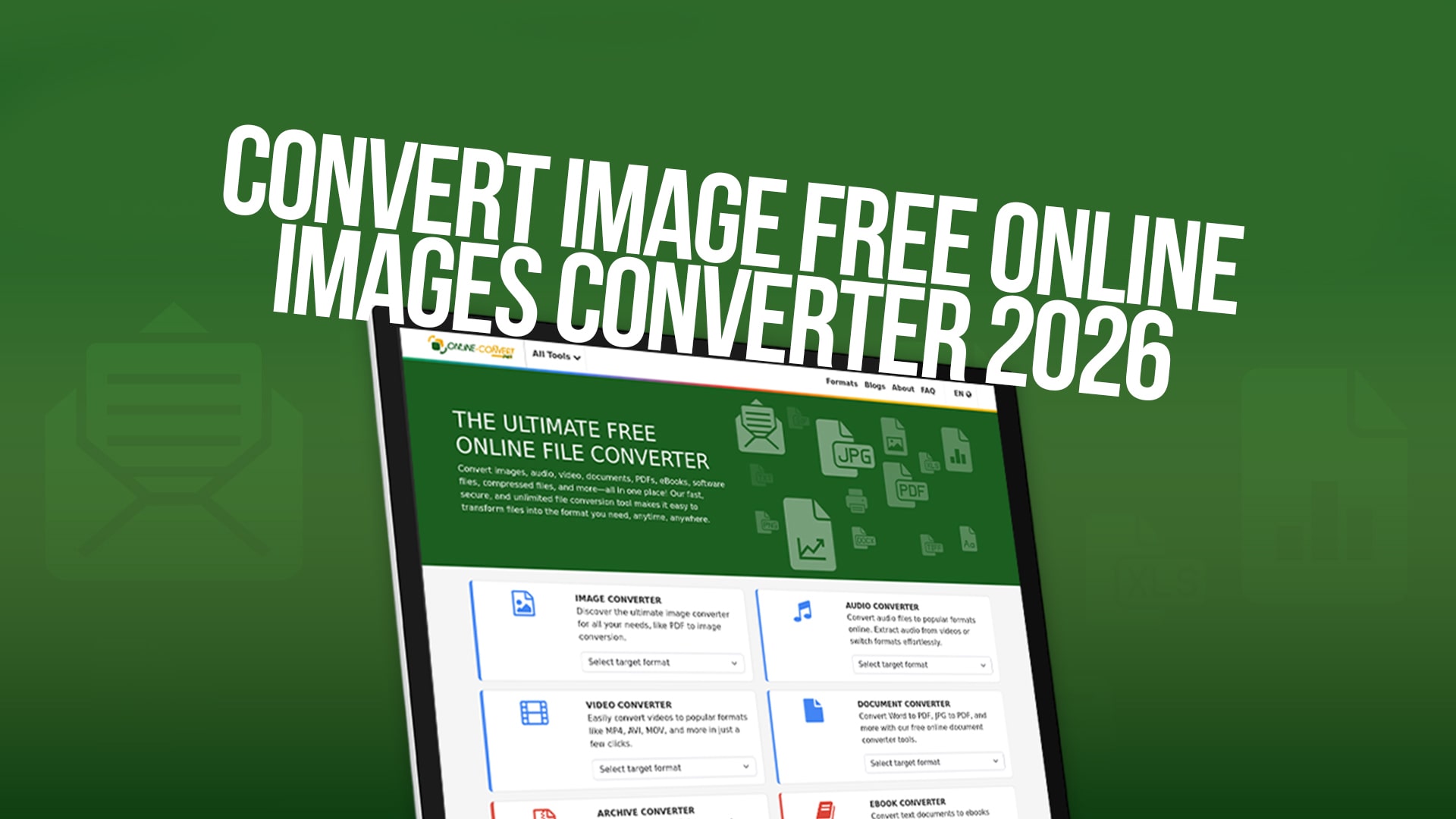
Convert Image Free Online (Images Converter 2026)
Working with images is a regular part of life for students, professionals, business owners, and creative people. Whether you are preparing images for social media, uploading photos to a website, or sending files via email, you often need to convert images from one format to another. The good news is that you no longer need to install expensive software or hire professionals to do this work for you. Converting images has become incredibly easy and completely free with online tools.
An image converter is a tool that allows you to change the format of your image files. Think of it like translating a document from one language to another. Your image stays the same visually, but it changes how the file is stored on your computer. For example, you might have a photo in JPEG format, but you need it in PNG format for your website. An online converter makes this transformation quick and simple.
The beauty of using a free online image converter is that you can do this work from anywhere. You do not need to download or install anything on your computer. You simply upload your image, select the format you want, and download the converted file. It takes just a few clicks and a few seconds of your time.
Why You Need to Convert Images
There are many reasons why people need to convert images from one format to another. Let us explore some of the most common situations where image conversion becomes necessary.
First, different websites and applications support different image formats. When you want to upload a photo to social media, the platform might work best with JPEG files. But if you are creating graphics for a website, PNG format might be better because it supports transparent backgrounds. An image converter helps you prepare your files in the right format for whatever you are doing.
Second, file size matters. Some image formats create much larger files than others. If you need to send an image through email or upload it to a cloud service, a smaller file size is better. Converting your image to a format that compresses the file without losing quality can save you time and storage space.
Third, quality requirements vary. Some formats preserve more detail and color information than others. Professional photographers might need their images in one format, while someone creating a simple web image might need something different. Image converters give you control over these choices.
Fourth, equipment and device compatibility play a role. Older devices or software might not support certain modern image formats. Converting to a more widely supported format ensures that anyone can open and view your image, regardless of what equipment they use.
Fifth, printing and publishing often require specific image formats. Printing companies might ask for your images in TIFF format, while online publishing might require JPEG or PNG. An image converter makes it easy to prepare files in exactly the format you need.
Understanding Different Image Formats
To use an image converter effectively, it helps to understand the different formats available and what each one is good for. There are many image formats in use today, and each has its own advantages.
JPEG is one of the most popular image formats. It is used for photographs and images with many colors. JPEG files are relatively small, which makes them great for sharing online and sending through email. The trade-off is that JPEG uses compression that can reduce image quality slightly, though this is usually not noticeable to the human eye.
PNG is another common format that stands for Portable Network Graphics. Unlike JPEG, PNG files can have transparent backgrounds, which makes them perfect for logos, graphics, and images where you need a clean look on different colored backgrounds. PNG files are larger than JPEG files, but they preserve more image quality.
GIF files are great for simple graphics and animated images. If you want to create a moving image or animation, GIF is a good choice. GIF files are smaller than PNG files and work well on websites.
TIFF is a format used mostly by professionals in photography and printing. TIFF files are very large because they preserve lots of detail and color information. If you are a professional photographer or designer, you might work with TIFF files.
WebP is a newer format developed by Google that offers better compression than JPEG and PNG. WebP files are smaller than other formats while keeping good quality. Many modern websites use WebP to make pages load faster.
BMP is an older format that is still used sometimes. BMP files are uncompressed, which means they are very large. You usually only need the BMP format for specific older software or equipment.
SVG is a special format that stores images as mathematical drawings rather than as pixels. SVG images can be enlarged or made smaller without losing quality. Designers use SVG for logos and graphics.
How to Use an Online Image Converter
Using Online-Convert is straightforward and requires no special skills or knowledge. The process is designed to be simple so that anyone can convert images easily. Here is how you do it.
Start by visiting Online-Convert and navigating to the image converter section. You will see a clean, simple interface that makes it obvious what to do. Look for the button that says "upload image" or "choose file". Click on this button to select an image from your computer.
A window will open showing the files on your computer. Find the image you want to convert and click on it. Then click the "open" button to select that image. The image will start uploading to the converter.
Once your image is uploaded, you will see options for the output format. This is where you choose what format you want your image to be. Look at the dropdown menu or the list of format options and select the format you need. If you are not sure which format to choose, think about what you will use the image for.
Some converters also give you advanced options where you can change settings like image quality, size, and compression. If you want to make these adjustments, click on the advanced options. However, for most people, the default settings work perfectly fine.
After you have selected your format and any additional settings, look for a button that says "convert" or "start conversion". Click this button and wait a few seconds. The converter will process your image and prepare it for download.
When the conversion is complete, you will see a download button. Click on this button to download your converted image to your computer. The file will appear in your downloads folder. You can now use this converted image for whatever you need.
Benefits of Using Online-Convert for Image Conversion
Online-Convert offers many advantages that make it the perfect choice for converting images. Understanding these benefits can help you make the best decision for your image conversion needs.
One major benefit is that it is completely free. You do not have to pay anything to convert your images. There are no hidden fees, no premium memberships required, and no limits on how many images you can convert. This makes it accessible to everyone, whether you are a student, a small business owner, or a professional.
Another benefit is speed. Converting an image on Online-Convert takes just seconds. You do not have to wait for long processing times. This is important when you have many images to convert or when you are working on a tight deadline.
Security is another important advantage. Online-Convert takes privacy seriously. Your images are not stored on the server after conversion. They are deleted automatically, which means your personal photos and important files remain private and secure. You do not have to worry about your images being saved somewhere or shared with others.
Ease of use is a huge benefit. Online-Convert is designed with simplicity in mind. You do not need to be a computer expert to use it. The interface is clean and straightforward. Anyone can upload an image, select a format, and download the converted file in just a few clicks.
Another advantage is that you can access it from anywhere. As long as you have an internet connection and a web browser, you can use Online-Convert. You can convert images from your home computer, your office, your mobile phone, or anywhere else you have internet access.
Online-Convert supports many different image formats, which means you can convert to and from almost any format you need. Whether you need JPEG, PNG, GIF, TIFF, WebP, BMP, SVG, or many other formats, Online-Convert can handle it.
Another benefit is that no software installation is needed. You do not have to download, install, or update any programs. This saves space on your computer and saves you the time and frustration of dealing with software installation and updates.
Common Uses for Image Conversion
People use image converters for many different reasons. Understanding common uses can help you realize how helpful this tool can be in your own life.
Social media users frequently need to convert images. Different social media platforms prefer different formats. Facebook, Instagram, Twitter, and other platforms all have their own recommendations for image formats and sizes. An image converter helps you prepare images that look best on each platform.
Website creators and bloggers use image converters regularly. Websites often need images in specific formats for the best performance. Converting images to WebP format, for example, can make websites load faster, which improves the experience for visitors.
Students use image converters when working on presentations, essays, and projects. Teachers and schools often have specific requirements for image formats. An image converter makes it easy to meet these requirements.
Business professionals use image converters for presentations, reports, and marketing materials. Converting images to the right format ensures that your professional documents look good and work properly on any device.
Photographers and graphic designers use image converters to prepare their work in different formats for different uses. A photographer might need one format for printing and a different format for online display.
Developers and programmers use image converters when building websites and applications. Different applications and systems sometimes require different image formats.
People who sell items online use image converters to prepare product photos. E-commerce platforms often have specific requirements for product images, and converting images to the right format is essential.
Tips for Getting the Best Results from Image Conversion
While converting an image is simple, some tips and tricks can help you get the best possible results.
First, start with the best quality image you have. If you are converting a low-quality or blurry image, the converted image will also be low quality. Conversion does not improve the quality of an image. It only changes the format. So always start with the best quality version of your image.
Second, understand what format you need before you start. Think about what you will use the image for, and choose the format that works best for that purpose. Do not just pick a random format. The right format makes a difference in how your image looks and how well it works.
Third, be aware of transparency needs. If you need a transparent background, make sure to convert to a format that supports transparency, such as PNG. JPEG does not support transparency, so if you convert a transparent image to JPEG, the transparent areas will become white or another solid color.
Fourth, consider file size when choosing a format. If you need a smaller file, choose a format like JPEG or WebP. If file size is not important, PNG or TIFF might be better for quality.
Fifth, keep the original file safe. After converting your image, keep a copy of the original file. You never know when you might need to convert it to a different format later, and having the original means you are starting with the best quality.
Sixth, check the converted image after downloading it. Open the converted image and make sure it looks good and meets your needs. If something does not look right, you can convert it again with different settings.
Seventh, learn about advanced settings. If Online-Convert offers advanced options for quality and compression, experiment with these settings to find what works best for your needs. Sometimes adjusting these settings can improve your results.
Security and Privacy Considerations
When using any online tool, security and privacy are important concerns. You might worry about uploading your images to a website. Online-Convert takes these concerns seriously.
Your images are processed quickly and securely. The servers that run Online-Convert are protected with modern security technology. Your images are not stored permanently. They are deleted automatically after conversion, usually within a short time period. This means your personal images do not remain on the company's servers.
No personal information is required to use Online-Convert. You do not have to create an account, enter your email address, or provide any personal details. This means there is nothing to track or store about you.
Your uploads are private. Other people cannot access or view the images you upload. The conversion happens securely on the servers, and only you have access to download the converted file.
However, as with any online service, it is good practice to be careful about very sensitive images. If you have images that are extremely private or confidential, you might want to convert them on your own computer using desktop software instead of an online tool.
For most people, though, Online-Convert is safe and secure for regular image conversion work.
Future of Image Conversion
The technology for image conversion continues to improve. In 2026 and beyond, we can expect even faster conversion times and support for more image formats. New formats like AVIF are becoming more popular and will likely be supported by converters in the future.
Artificial intelligence and machine learning might play a bigger role in image conversion. These technologies could automatically optimize images based on their content and intended use. For example, the converter might automatically choose the best format and quality settings based on what it detects in the image.
Mobile apps for image conversion will likely become even more popular and powerful. Converting images directly from your smartphone or tablet will become even easier.
The importance of web performance means that converters will focus more on helping people create images that load quickly on websites. Tools like Online-Convert will continue to make this easier.
Conclusion
Converting images from one format to another is a common task in today's digital world. Whether you are a student, a business professional, a content creator, or anyone else who works with images, you need a tool that makes conversion quick and easy.
Online-Convert provides exactly what you need. It is free, fast, secure, and easy to use. You can convert images in just a few clicks without downloading any software or creating any accounts. The tool supports many different image formats, so you can convert to almost any format you need.
Visit Online-Convert and start converting your images today. You will find that it makes your work easier and faster. Whether you need to convert images for social media, websites, printing, or any other purpose, Online-Convert is there to help. The tool has been designed with you in mind, and it will make your image conversion work straightforward.
Start your free image conversion journey today with Online-Convert and discover how easy it can be to work with images in any format you need.
