Compress PNG Free Online (PNG Compressor 2026)
PNG files are widely used on the internet because they provide high-quality images with sharp details and clear colors. However, PNG files can sometimes be quite large in size, which means they take up a lot of storage space on your device or website. This is where PNG compression comes into play.
PNG compression is the process of reducing the file size of a PNG image without making it look bad or losing important details. When you compress a PNG file, you are basically removing unnecessary data from the image file while keeping all the important visual information intact. This process helps your files take up less space, which makes them faster to download and upload online.
The importance of PNG compression cannot be overstated, especially if you are running a website. Smaller file sizes mean faster loading times, and faster loading times mean happier visitors. People do not like waiting for websites to load. If your images are too large, your website will load slowly, and visitors might leave before seeing your content. Search engines also prefer websites that load quickly, so compressing your PNG files can actually help your website rank better in search results.
Understanding PNG Files and Image Quality
Before you start compressing PNG files, it is helpful to understand what makes PNG files special and how compression affects them. PNG stands for Portable Network Graphics, and it is a type of image file that was created to replace older image formats. PNG files are great because they support something called transparency, which means parts of an image can be see-through. This is very useful for logos, icons, and images that need to have transparent backgrounds.
PNG files also support what is called lossless compression. This means that when you compress a PNG file, no information is actually removed from the image. Instead, the file just becomes more efficient at storing the image data. This is different from other image formats like JPEG, which use lossy compression and actually remove information from the image to make the file smaller. With PNG files, you can usually compress them without noticing any difference in how they look.
However, PNG files are naturally larger than some other image formats because they store more information about each pixel in the image. This is why many people need to compress their PNG files. By using compression tools, you can make your PNG files significantly smaller without making them look worse.
How PNG Compression Works
Understanding how PNG compression actually works can help you make better decisions about which compression tool to use and how much to compress your files. PNG compression uses something called algorithms, which are basically sets of instructions that tell the computer how to reorganize the image data to make it smaller.
There are several different compression methods that can be used on PNG files. The most common method is called deflate compression, which looks for patterns in the image data and replaces repetitive information with shorter codes. Think of it like this: if you have a long stretch of blue pixels in your image, instead of storing information about each blue pixel separately, the compression algorithm can just say "there are 500 blue pixels in a row," which takes up much less space.
Another important aspect of PNG compression is something called bit depth reduction. Bit depth refers to how many different colors are available in an image. Some PNG files might have a lot more colors than they actually need. By reducing the number of colors in your image to only the ones that are actually used, you can make the file much smaller without changing how it looks.
There is also a process called filtering that happens during PNG compression. Filters analyze the image data and find ways to make it easier to compress. Different types of filters work better for different types of images, so good compression tools will automatically choose the best filters for your specific image.
Benefits of Using Free Online PNG Compressor Tools
Using a free online PNG compressor tool offers many advantages compared to other methods of compressing images. Let's explore some of the main benefits that make online compression tools so popular and helpful.
First, and perhaps most importantly, online PNG compressor tools are completely free. You do not need to pay any money to use them, and you do not need to buy any expensive software. This makes them perfect for individuals, small businesses, and anyone who wants to compress images without spending money.
Second, online tools are very easy to use. You do not need to be a computer expert or have any special technical knowledge. Most online PNG compressor tools work the same way: you upload your image, click a button, and download your compressed image. It is that simple. This makes them perfect for anyone who wants to quickly compress images without learning complicated software.
Third, online compression tools are accessible from anywhere. As long as you have a computer and an internet connection, you can use an online PNG compressor tool. You can compress images at home, at work, on the go, or anywhere else. You do not need to install any software on your computer, which means you do not need to worry about taking up storage space or dealing with installation problems.
Fourth, online tools are very fast. Modern online PNG compressor tools use powerful servers to compress your images quickly. You usually only need to wait a few seconds for your image to be compressed. This is much faster than some desktop software programs that can take several minutes to compress images.
Fifth, online compression tools are safe and secure. Reputable online compression services encrypt your files while they are being transferred, which means your images are protected. Most good online tools also delete your files automatically after a short period of time, so you do not need to worry about your images being stored on someone else's server forever.
How to Use Online-Convert for PNG Compression
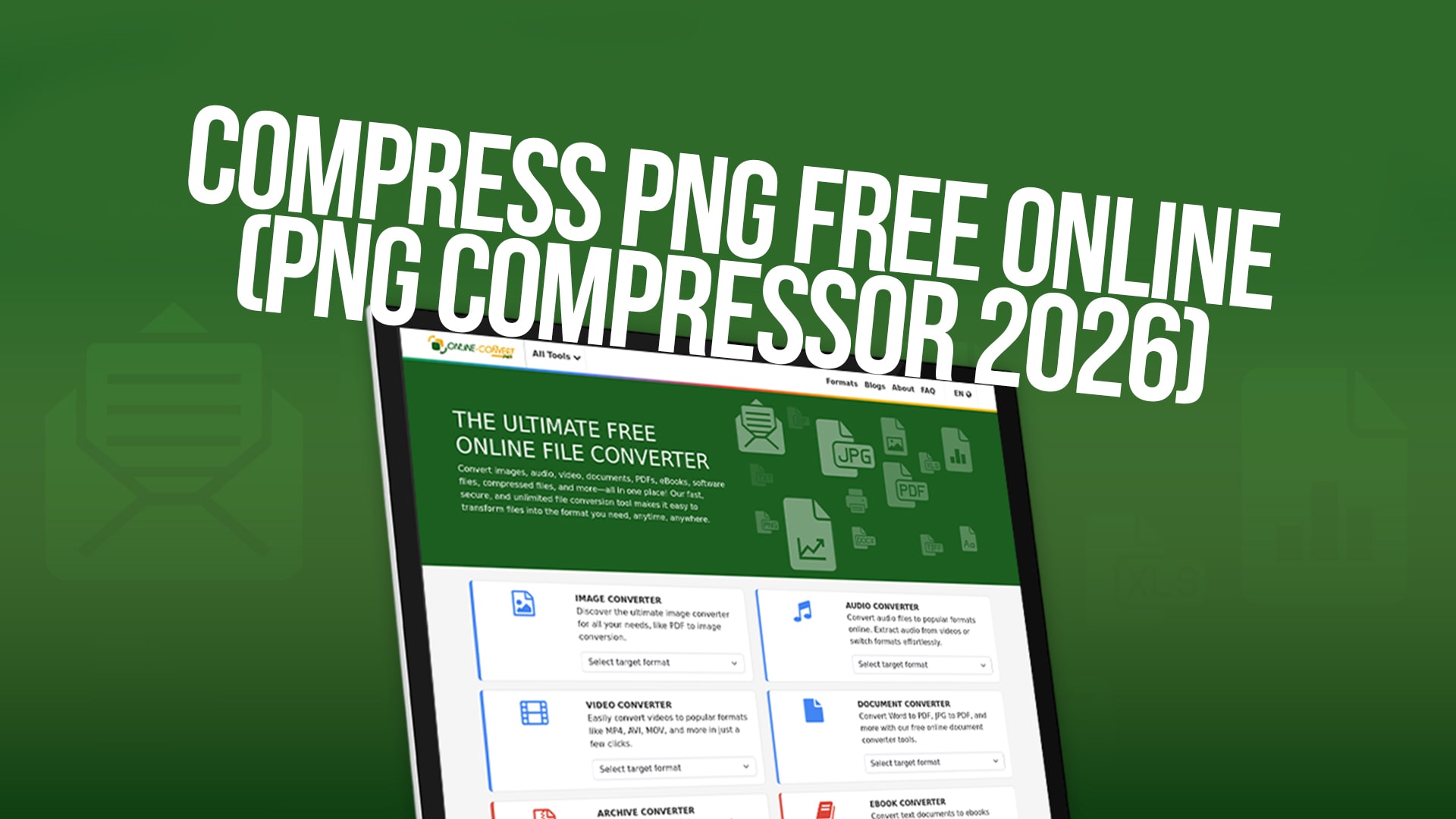
Online-Convert is one of the most popular and trusted online conversion and compression platforms available today. The platform offers a wide variety of tools for converting and compressing different types of files, including images, audio files, videos, documents, PDFs, eBooks, software files, and compressed files. If you need to convert or compress almost any type of file, you will probably find what you need on Online-Convert.
Using Online-Convert to compress your PNG files is straightforward. The process is designed to be user-friendly so that anyone can compress images quickly and easily, regardless of their technical experience level.
To start, you need to visit the Online-Convert website. Once you are on the website, look for the image compression section. Online-Convert has a dedicated area for image compression tools where you can find the PNG compressor. You can usually find this by looking for a section called "compress images" or "image tools" on the main menu.
Once you have found the PNG compression tool, you need to upload your PNG file. You can usually do this by clicking on an upload button and selecting your file from your computer. Some online tools also allow you to upload files by dragging and dropping them directly onto the webpage, which is even faster and easier. You can also upload images from a URL if your image is already hosted online somewhere.
After you have uploaded your PNG file, the tool will usually give you some options for how much you want to compress the image. You might be able to choose between different compression levels, such as low compression, medium compression, or high compression. Some tools will also let you adjust other settings, such as the number of colors in the image or the bit depth.
Once you have chosen your compression settings, you simply click the compress button or start button. The tool will then process your image and compress it according to the settings you selected. This usually only takes a few seconds, depending on the size of your image and how much compression you are applying.
When the compression is complete, you will be able to download your compressed PNG file. You can then save it to your computer and use it wherever you need it. The compressed file will be significantly smaller than the original, which means it will load faster and take up less storage space.
Key Features and Advantages of Online-Convert
Online-Convert stands out from other online conversion and compression platforms for several important reasons. Understanding these features and advantages can help you decide if Online-Convert is the right tool for your needs.
One major advantage of Online-Convert is the sheer variety of conversion and compression tools available. Whether you need to compress images, convert videos, change audio formats, convert documents, or work with almost any other type of file, Online-Convert probably has a tool that can help you. This means you can use one single platform for most of your file conversion and compression needs instead of jumping between different websites.
Another advantage is that Online-Convert is completely free. There are no hidden fees, no premium versions, and no limitations on how many files you can convert or compress. You can use the platform as much as you want without paying a single cent. This makes it perfect for individuals, students, freelancers, and small businesses who need to compress files on a regular basis.
Online-Convert also has a great reputation for quality. The platform uses modern, powerful compression algorithms that effectively reduce file size while maintaining image quality. This means you can trust that your compressed PNG files will look good while still being much smaller than the original files.
The user interface of Online-Convert is another major advantage. The website is clean, organized, and easy to navigate. You do not need to search around looking for the tool you need. Everything is clearly labeled and easy to find. The compression process itself is straightforward and takes just a few clicks.
Online-Convert also respects your privacy. The platform automatically deletes your files from their servers after a certain period of time. This means you do not need to worry about your images being stored on Online-Convert's computers indefinitely. Your files are yours alone, and they are not kept for any longer than necessary.
Tips for Getting the Best Results When Compressing PNG Files
To get the best results when compressing your PNG files, there are several things you should keep in mind and several best practices you should follow.
First, before you compress an image, think about what you are using it for. If you are using the image on a website, you probably want more compression to make it load faster. If you are using the image for professional printing or high-quality display, you might want less compression to maintain better quality. Understanding your needs will help you choose the right compression level.
Second, make sure you keep a copy of your original image before you compress it. While PNG compression is lossless and does not remove information, it is still a good idea to keep the original file as a backup. This way, if you need to use the original image later or if you want to compress it differently, you will have it available.
Third, do not be afraid to experiment with different compression levels. Try compressing your image with different settings to see what works best. You might be surprised at how much you can compress an image while still keeping it looking good. Many online tools let you preview the compressed image before you download it, so you can see how it looks before making it final.
Fourth, pay attention to the type of image you are compressing. Images with solid colors and simple designs usually compress much better than images with lots of details and colors. Photographs and complex images might not compress as much without losing some quality. Knowing this can help you set your expectations about how much smaller your file will be.
Fifth, consider the dimensions of your image. If your image is much larger than it needs to be, you might want to resize it before compressing it. Resizing an image to smaller dimensions will make the file much smaller. Many online tools can do both resizing and compression in one step, which makes the process even easier.
Sixth, use the right file format for your needs. PNG files are great for images that need transparency or high quality, but if you do not need these features, JPEG or WebP format might work better and could be smaller. However, if you specifically need PNG files, online compression tools will help you make them as small as possible.
Common PNG Compression Mistakes to Avoid
Even though PNG compression is generally a straightforward process, there are some common mistakes that people make that you should try to avoid.
One common mistake is using too much compression. Some people think that more compression is always better, but this is not true. If you compress an image too much, you might lose important details or colors that make the image look good. It is better to find a balance between file size and image quality.
Another mistake is not checking the compressed image before using it. Always preview your compressed image to make sure it looks good and that no important details have been lost. Some online tools make this easy by showing you a preview of the compressed image before you download it.
A third mistake is compressing images that do not need to be compressed. Some PNG files are already quite small and do not need compression. Compressing files that are already small might save only a few kilobytes, which is not usually worth it. Focus your compression efforts on larger files where the file size reduction will be significant.
Another common mistake is using untrusted compression tools. Some online tools might not properly compress your images, might add unwanted watermarks, or might not keep your images private. Stick with trusted, well-known platforms like Online-Convert that have good reputations and that you can trust with your files.
A fifth mistake is not keeping track of which images you have already compressed. If you compress the same image multiple times, you might accidentally compress an already compressed version, which could cause quality loss. Keep track of your files and make sure you are always working with the original version.
PNG Compression and Website Performance
If you are running a website, compressing your PNG files should be one of your top priorities. Website performance is incredibly important for user experience and for search engine rankings. Slow websites frustrate visitors and can hurt your search engine rankings, while fast websites create happy visitors and rank better in search results.
PNG files are often used on websites for logos, icons, product images, and other graphics. These images can quickly add up and make your website load slowly if they are not properly optimized. By using an online PNG compressor tool to reduce the file sizes of all your PNG images, you can significantly improve your website's loading speed.
Faster websites also use less bandwidth, which can reduce hosting costs if you have limited bandwidth with your hosting provider. This is another financial benefit of compressing your PNG files.
Search engines like Google have stated that page speed is a ranking factor. This means that websites that load faster tend to rank higher in search results than websites that load slowly. By compressing your PNG files and improving your website's loading speed, you are also helping your website rank better in search engines.
The Future of Image Compression Technology
Image compression technology continues to evolve and improve. New formats like WebP and AVIF offer better compression than PNG files while maintaining good quality. However, PNG files are still widely used and will continue to be used for many years because of their transparency support and universal compatibility.
Online compression tools will continue to get faster and more powerful as technology improves. In the future, you can expect even better compression results and faster processing times from online tools. The tools will probably become even easier to use as well.
However, PNG compression will still be important in the future. Even as new formats emerge, many websites and applications will continue to use PNG files, and people will continue to need tools to compress them efficiently.
Conclusion
Compressing PNG files is an important skill in today's digital world. Whether you are running a website, sharing images online, or simply trying to save storage space on your device, learning how to compress your PNG files can save you time, money, and frustration.
Online-Convert offers one of the best solutions for free PNG compression. The platform is easy to use, completely free, and provides excellent compression results while maintaining image quality. By visiting Online-Convert and exploring their image compression tools, you can quickly and easily compress all your PNG files without paying a cent or installing any software.
Remember that the key to successful PNG compression is finding the right balance between file size and image quality. Do not over-compress your images, and always check that your compressed images look good before using them. With these tips and by using Online-Convert, you will be able to compress your PNG files effectively and improve your digital projects.
Start using Online-Convert today to compress your PNG files for free and experience the benefits of faster loading times, reduced storage requirements, and improved website performance. Whether you have one image to compress or hundreds of images, Online-Convert has the tools and features you need to get the job done quickly and easily.
